


FOR PHOTO BOOTH OPERATORS
From your photo booth to the red carpet.
Turn guest photos into portraits and short films, delivered on a page with your logo.
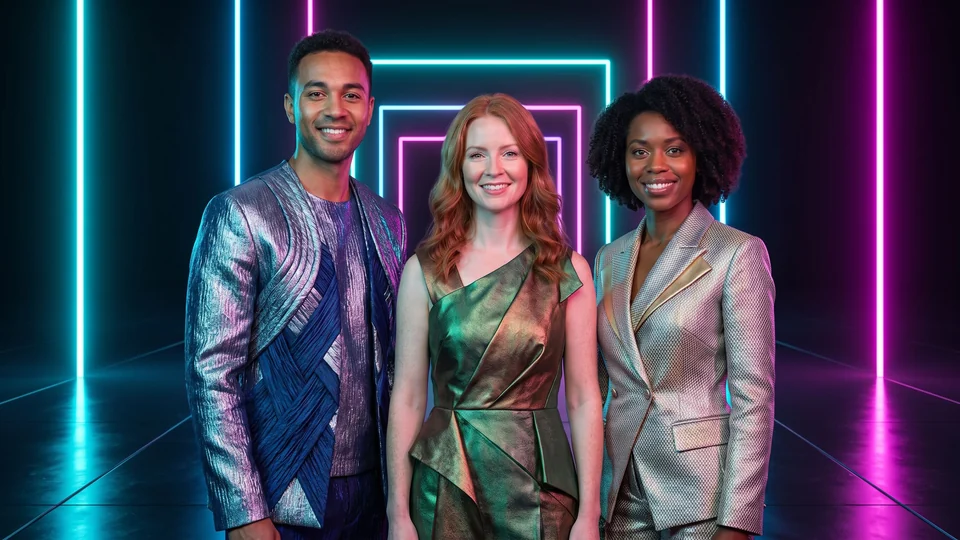

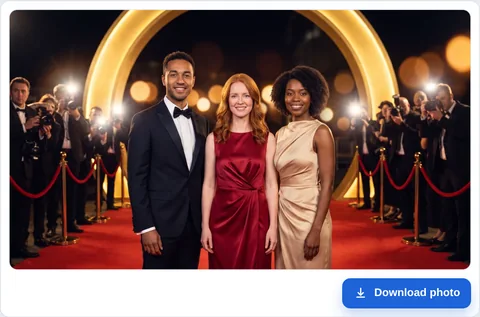
Demonstration with fictional adults. These scenes are not ready-made catalogue effects.
The film could not load. You can still view the photo or open the guest page.
Open the guest page ↗An idea for each event
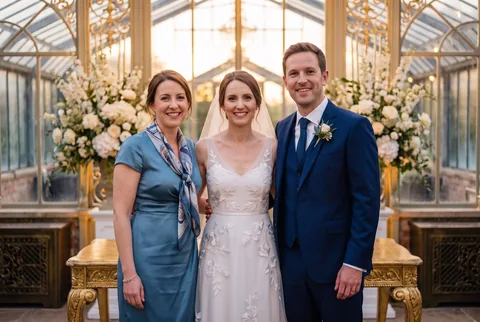
One wedding, one visual world
A couple wants a consistent visual theme for their celebration.
Read the scenario →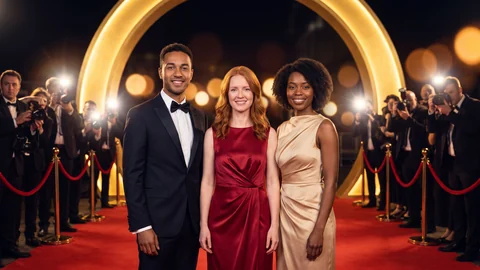
A gala with its own premiere
An event agency wants an elegant keepsake for a company gala.
Read the scenario →
Two directions for one stand
An agency needs two contrasting creative proposals for the same trade-show stand.
Read the scenario →From capture to the guest’s phone
-
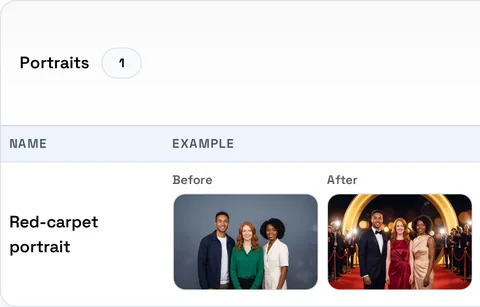
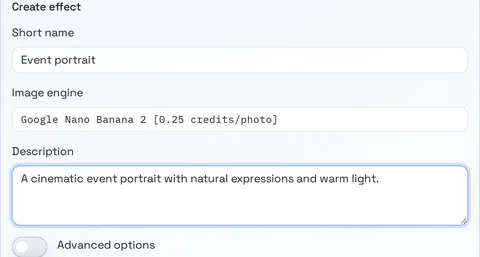
Choose the effect
Open Effects, add an available catalogue effect and inspect the settings and test price.
-
Connect the booth
Follow the Breeze or dslrBooth guide for a supported setup. Run a test with your own photo.
-
Deliver the result
Configure the share page, then show guests where to open and download their own result.
Make your guests the stars.

 The event photo
Ready to try it on your own photo?
Create an operator account, choose an available effect and check its price before starting a test. Demo scenes illustrate possibilities; your own results depend on the photo and selected settings.
Will my booth work?
Use the documented Breeze or dslrBooth configuration and test your installed setup before the event.
What does a trial cost?
The price is shown in the account before submission. Starter credits depend on the current service settings; watching these demos does not run a generation.
What happens after signup?
Finish the account through the email link, sign in and open Effects. Add an available library effect, check its settings and price, then test your own photo.