


DropAi · Corporate events
AI photos for corporate events
Give colleagues a shared theme and a portrait to remember the occasion. Match the AI scene to your company event and let guests collect their photos from a personalised page.


The comparison could not be loaded. Please reload the page to try again.
Demonstration scenario
A gala with its own premiere
- Brief
- An event agency wants an elegant keepsake for a company gala.
- Creative choice
- Red Carpet Premiere turns the same three guests into a cinematic gala portrait, then a short silent film.
- How it runs
- Show the original and portrait, press Play, then open the guest page. In the effect’s share-page settings, the operator adds a logo, title, description and footer.
- What the guest receives
- The guest sees the portrait and film on one page and can download them. This is a fictional demonstration, not a customer event.
Start here
Demonstration with fictional adults. These scenes are not ready-made catalogue effects.
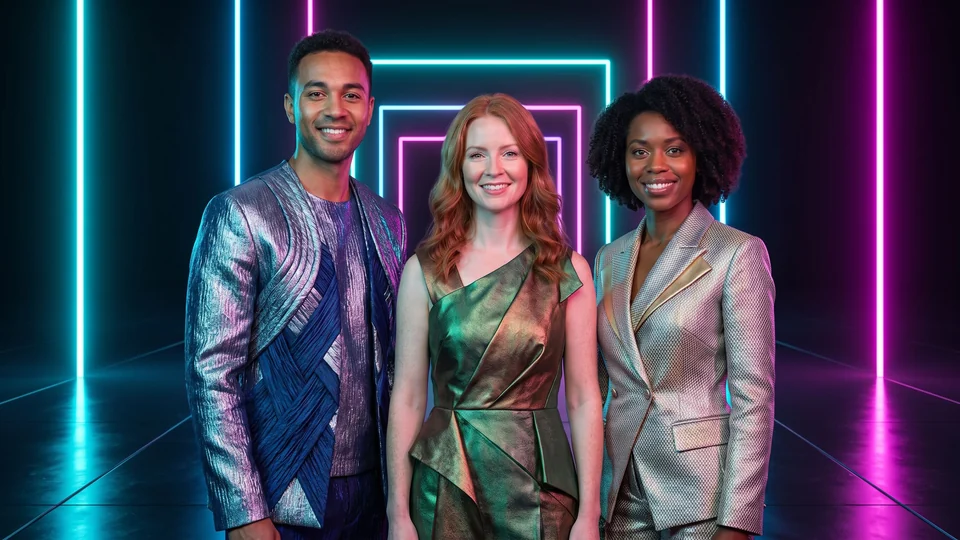

Demonstration with fictional adults. These scenes are not ready-made catalogue effects.
The film could not load. You can still view the photo or open the guest page.
Open the guest page ↗Put your team in the scene
A gala portrait, a futuristic crew or a bold illustrated setting can complement the event theme. Choose a visual style that fits the occasion and the people taking part.
Bring your identity to the guest page
Add an approved company logo and your own message to the result page. Guests can view and download the finished photo or film from the same place.
Combine a themed team portrait with a company logo and a message on the guest page.
Frequently asked questions
Can the result page use our company’s logo?
Yes, with permission to use the logo and through the available page settings. These settings do not include a separate domain, dedicated email sender, full white label, lead capture or event-performance reporting.